软件配置
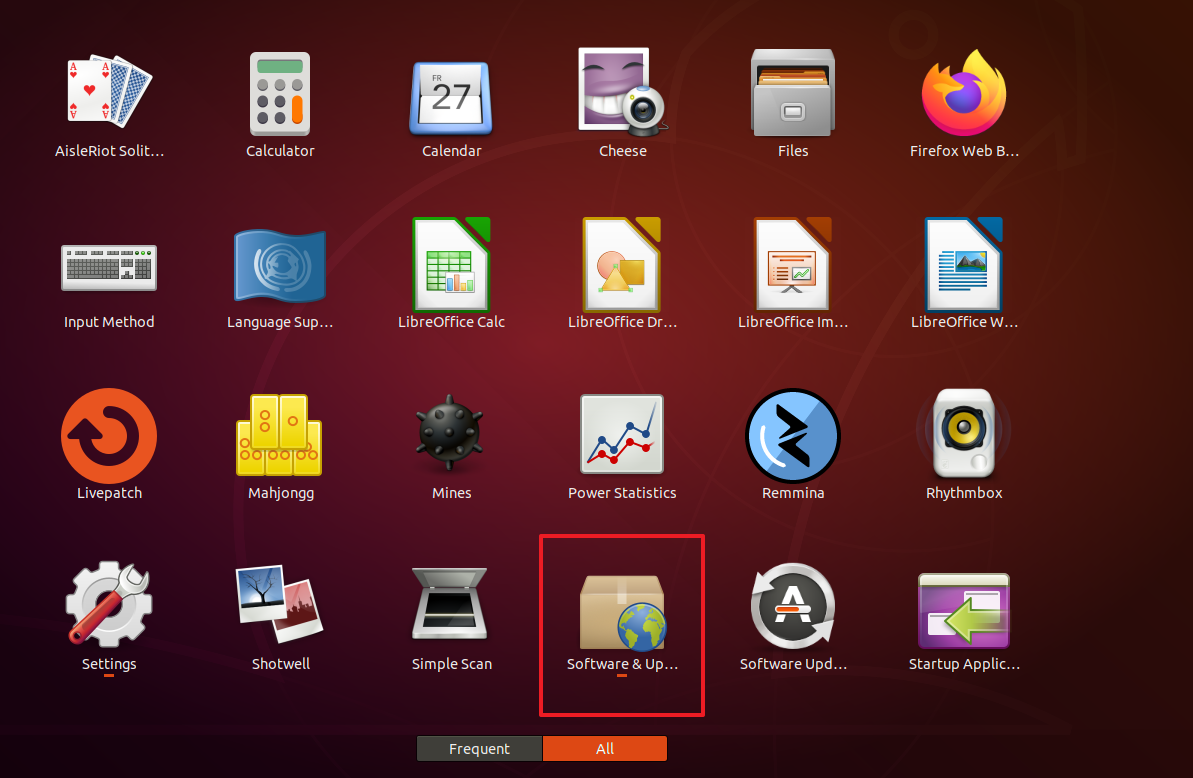
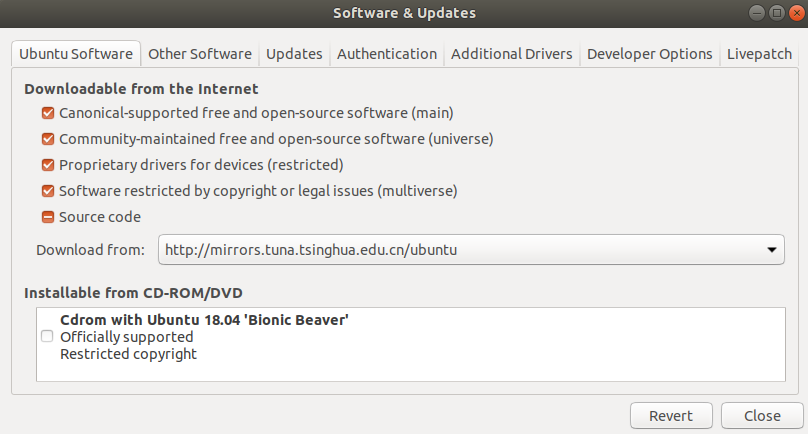
0.更换软件源
打开软件更新器,选择国内的源服务器
1.添加国内源
#清华源
sudo sh -c '. /etc/lsb-release && echo "deb http://mirrors.tuna.tsinghua.edu.cn/ros/ubuntu/ `lsb_release -cs` main" > /etc/apt/sources.list.d/ros-latest.list'
2.添加私钥
sudo apt-key adv --keyserver 'hkp://keyserver.ubuntu.com:80' --recv-key C1CF6E31E6BADE8868B172B4F42ED6FBAB17C654
3.软件库更新
sudo apt-get update && sudo apt-get upgrade4.安装ROS
sudo apt-get install ros-melodic-desktop-full5.安装 rosinstall
sudo apt-get install python-rosdep python-rosinstall python-rosinstall-generator python-wstool build-essential
6.初始化rosdep
sudo rosdep init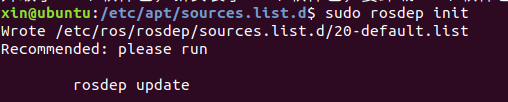
7.更新rosdep
rosdep update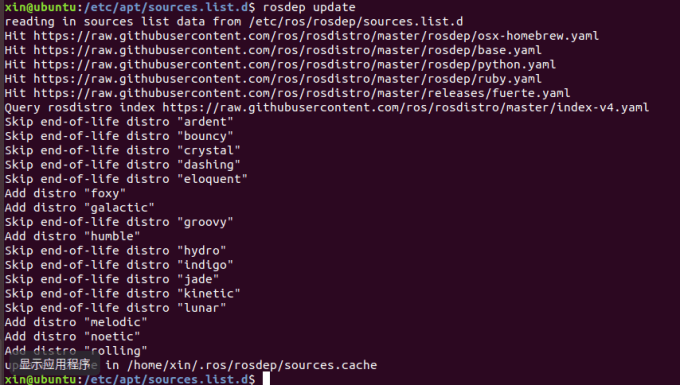
8.添加ros环境变量
echo "source /opt/ros/melodic/setup.bash" >> ~/.bashrc
source ~/.bashrc
9.验证ROS是否安装成功
设置环境
source /opt/ros/melodic/setup.bash
每条命令都需要新开一个终端
roscore
rosrun turtlesim turtlesim_node
rosrun turtlesim turtle_teleop_key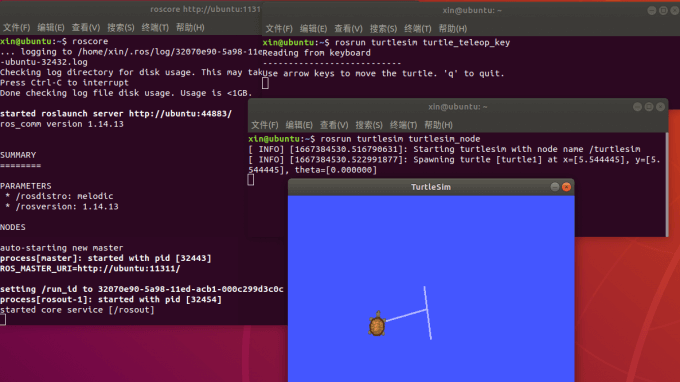
如果发现初始化或者更新rosdep无法通过,多试几次或者重启后再测试
报错1
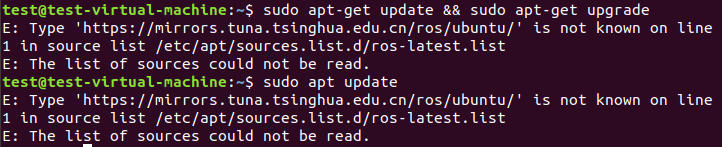
E: Type 'https://mirrors.tuna.tsinghua.edu.cn/ros/ubuntu/' is not known on line 1 in source list /etc/apt/sources.list.d/ros-latest.list
E: The list of sources could not be read.
解决方法
sudo rm /etc/apt/sources.list.d/ros-latest.list
sudo apt update
报错2
ERROR: unable to process source [https://raw.githubusercontent.com/ros/rosdistro/master/rosdep/osx-homebrew.yaml]: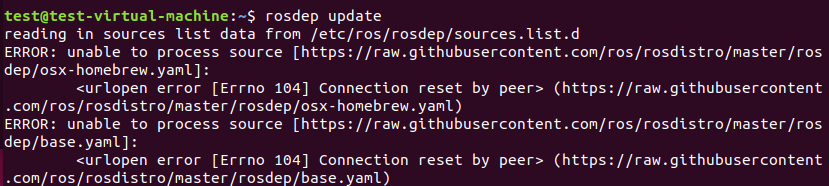
报错3
ERROR: cannot download default sources list from:
https://raw.githubusercontent.com/ros/rosdistro/master/rosdep/sources.list.d/20-default.list
Website may be down.
2和3解决方法
1.访问域名查询网址:https://site.ip138.com/
2.查询域名ip,搜索框中输入: raw.githubusercontent.com,自由复制一个查询到的IP
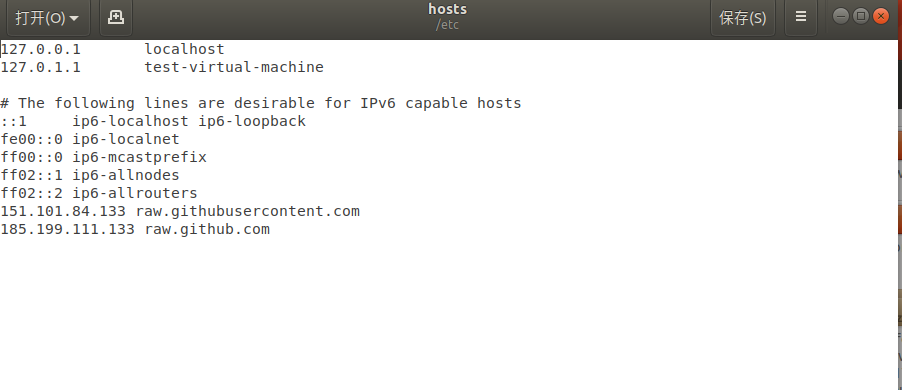
3.修改 /etc/hosts 文件,命令
#底部添加
sudo gedit /etc/hosts
添加内容:151.101.76.133 raw.githubusercontent.com (查询到的ip与域名),保存并退出。
4.重新执行rosdep初始化与更新命令,如果rosdep update 抛出异常,基本都是网络原因导致的(建议使用手机热点),多尝试几次即可。
报错4

ERROR: error loading sources list:
    ('The read operation timed out',)