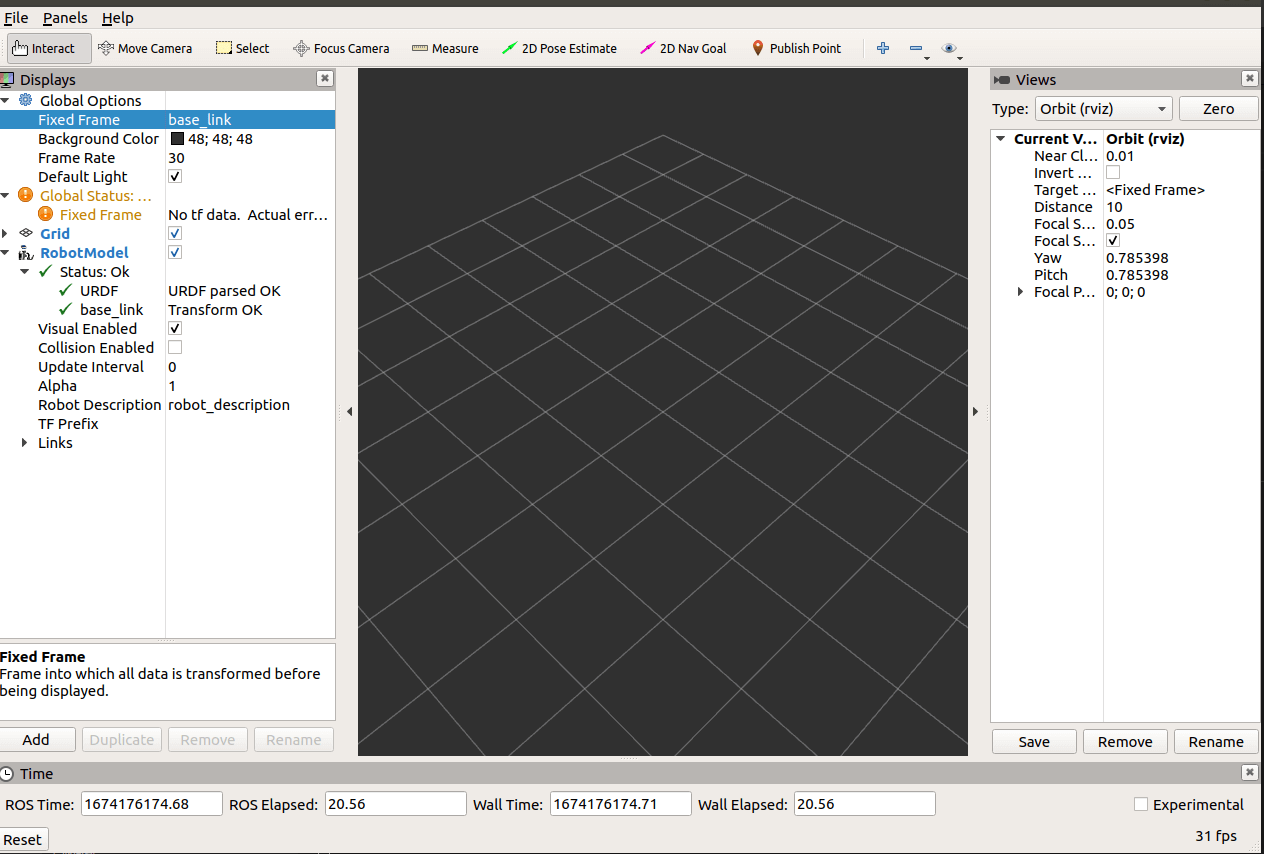
简介
urdf 中的 link 标签用于描述机器人某个部件(也即刚体部分)的外观和物理属性,比如: 机器人底座、轮子、激光雷达、摄像头...每一个部件都对应一个 link, 在 link 标签内,可以设计该部件的形状、尺寸、颜色、惯性矩阵、碰撞参数等一系列属性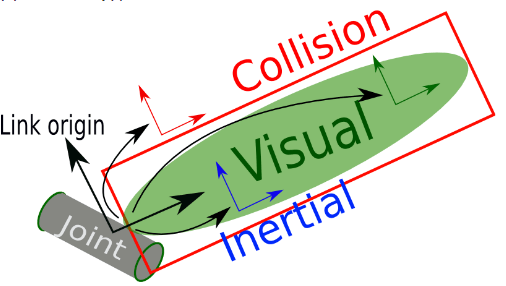
属性
name ---> 为连杆命名
子标签
visual ---> 描述外观(对应的数据是可视的)
geometry 设置连杆的形状
标签1: box(盒状)
属性:size=长(x) 宽(y) 高(z)
标签2: cylinder(圆柱)
属性:radius=半径 length=高度
标签3: sphere(球体)
属性:radius=半径
标签4: mesh(为连杆添加皮肤)
属性: filename=资源路径(格式:package://
origin 设置偏移量与倾斜弧度
属性1: xyz=x偏移 y便宜 z偏移
属性2: rpy=x翻滚 y俯仰 z偏航 (单位是弧度)
metrial 设置材料属性(颜色)
属性: name
标签: color
属性: rgba=红绿蓝权重值与透明度 (每个权重值以及透明度取值[0,1])
collision ---> 连杆的碰撞属性
Inertial ---> 连杆的惯性矩阵
需求
分别生成长方体、圆柱与球体的机器人部件
实现过程
创建功能包
编写URDF文件
<robot name="mycar">
    <link name="base_link">
        <visual>
            <!-- 形状 -->
            <geometry>
                <!-- 长方体的长宽高 -->
                <box size="0.5 0.3 0.1" />
                <!-- 圆柱,半径和长度 -->
                <!-- <cylinder radius="0.5" length="0.1" /> -->
                <!-- 球体,半径-->
                <!-- <sphere radius="0.3" /> -->

            </geometry>
            <!-- xyz坐标 rpy翻滚俯仰与偏航角度(3.14=180度 1.57=90度) -->
            <origin xyz="0 0 0" rpy="0 0 0" />
            <!-- 颜色: r=red g=green b=blue a=alpha -->
            <material name="black">
                <color rgba="0.7 0.5 0 0.5" />
            </material>
        </visual>
    </link>
</robot>
编写launch文件
<launch>
    <param name="robot_description" textfile="$(find urdf_demo01)/urdf/urdf/urdf_demo01_link.urdf"/>
    <node pkg="rviz" type="rviz" name="rviz" args="-d $(find urdf_demo01)/config/show_mycar.rviz" />
</launch>
启动launch文件
source ./devel/setup.bash
roslaunch urdf_demo01 urdf_demo01_hello.launch
实验现象
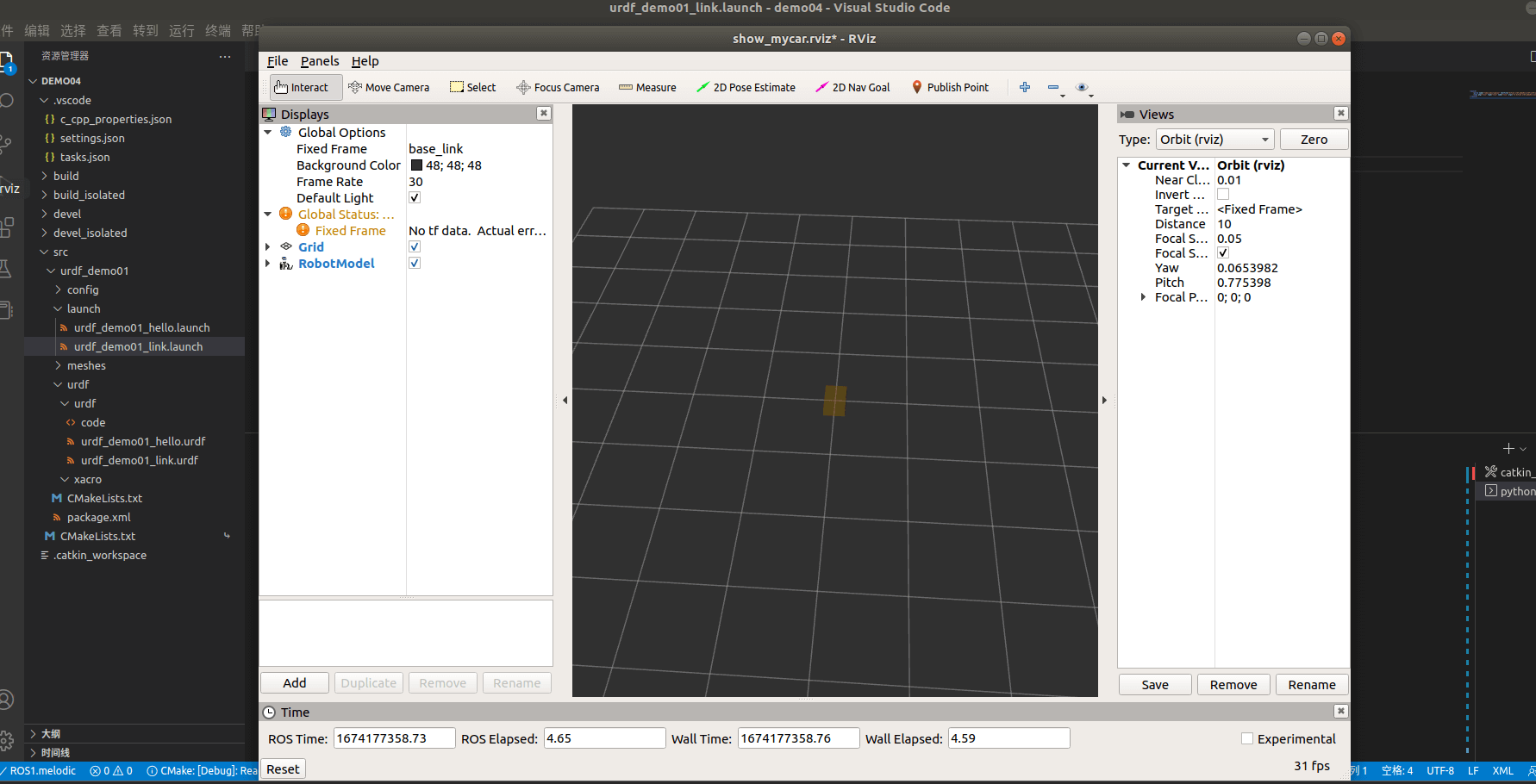
实验问题
错误1
在修改了rviz配置之后,robot status报错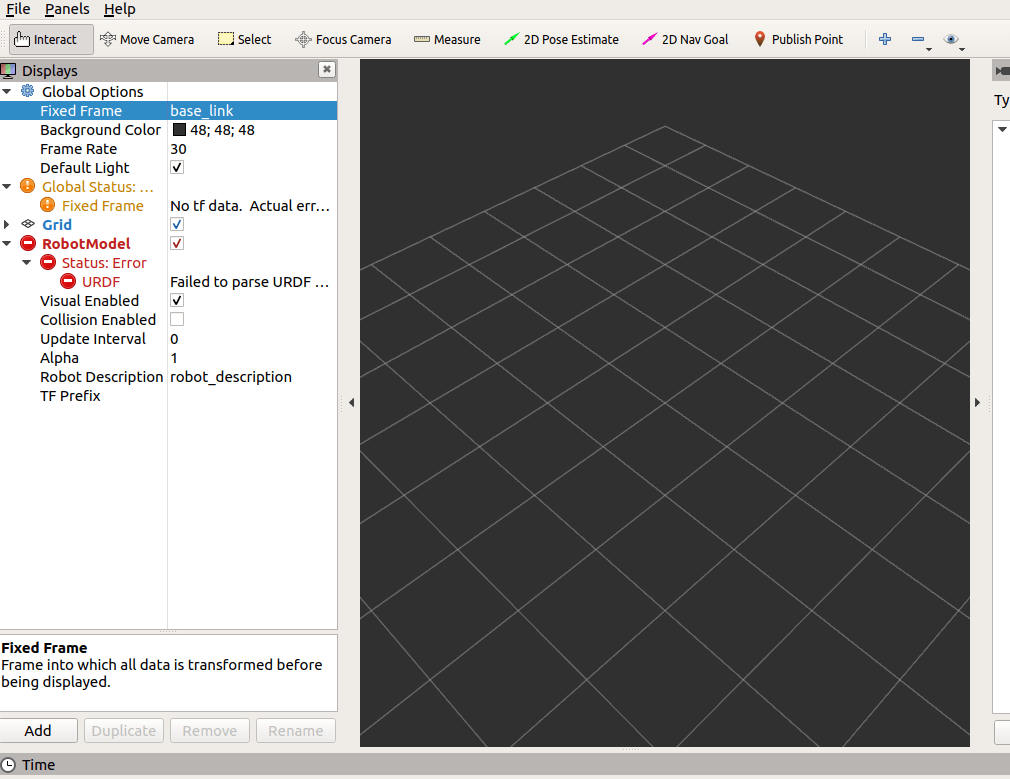
错误2
无报错之后,仍然无法显示机器人模型